Keeping a home budget isn't about writing down every cent out of duty. It's about knowing, without much effort, how much comes in, how much goes out and where your household money goes each month, so you can make decisions based on data instead of guesswork.
In this guide you'll see which categories to use, whether a notebook, a spreadsheet or an app works best, how to get everything set up in 15 minutes and which apps are the best fit for tracking a household budget.
Why keeping a home budget is worth it
According to the Bureau of Labor Statistics Consumer Expenditure Survey, the average US household spent $78,535 in 2024, about $6,500 a month. That's a lot of money to manage from memory, and most families only have a rough idea of where it goes.
Tracking your household budget does three very concrete things:
- Shows the real split: what you think you spend on food, fun or transportation rarely matches what you actually spend.
- Reveals leaks: forgotten subscriptions, bank fees or small purchases that keep repeating. The article on hidden expenses covers the most common ones.
- Lets you plan with room to spare: once you know what your fixed costs are, you know how much you can save or spend the rest of the month without surprises.
Notebook, spreadsheet or app: which to choose
There are many ways to run a home budget. What matters is picking one you'll actually keep up, because the best system is the one you're still using three months from now.
| Option | Pros | Cons |
|---|---|---|
| Notebook | Simple, no tech needed, makes you aware of every expense | Doesn't add up on its own, no charts and easy to leave at home |
| Spreadsheet | Fully customizable and free | You have to build it and maintain the formulas; awkward on a phone |
| App | Log an expense in seconds, it adds and sorts by itself, with instant charts | You have to choose carefully: some show ads or ask for bank access |
For most households, the app wins for one practical reason: your phone is always with you when you pay. Logging the expense right there, instead of waiting until you get home, is what makes the habit stick.
What a good home budget app needs
Not every finance app is built for the day-to-day of running a home. Before you choose, check these points:
- Fast entry: logging an expense shouldn't take more than a few seconds. If it's a hassle, you'll stop doing it.
- Your own categories: every household is different. You need to be able to create, rename and organize categories to fit yours.
- Recurring expenses: rent, utilities, internet or insurance repeat every month and should be logged automatically.
- Clear summaries: a monthly balance and a yearly view to see which months your spending spikes.
- Privacy: many people prefer apps that don't connect to their bank, where you only log what you decide to.
Household spending categories
A good way to start is to use the average household's spending split as a guide. With the BLS figures for 2024, it looked roughly like this:
| Category | Share of spending | Per month |
|---|---|---|
| Housing and utilities | About 33% | About $2,160 |
| Transportation | 17.0% | $1,110 |
| Food (groceries and eating out) | 12.9% | $845 |
| Everything else (healthcare, insurance, entertainment, clothing...) | About 37% | About $2,430 |
From there, split each block into the categories that are useful to you. For example, separate utilities (power, water, gas, internet) from rent or mortgage, or groceries from eating out. Eight to twelve categories give you enough detail without getting lost. Telling apart fixed and variable expenses will help you see where you have room to cut back.
How to start your home budget in 15 minutes
You don't need to rebuild the whole past year. Just set up the basics and start today:
- Log this month's income: paychecks, side income or benefits. It's the number everything else starts from.
- Set fixed costs as recurring: rent or mortgage, utilities, insurance, childcare and subscriptions. That way you know from day one how much money you really have available.
- Set money aside for yearly costs: property tax, car registration or back-to-school spending. Divide the cost by 12 and treat it as another fixed expense.
- Log every variable expense right away: groceries, gas, a dinner out. This is the only part that takes consistency.
- Review the month when it ends: ten minutes to compare it with the previous month and adjust. You can use the monthly family budget as a template.
The first 30 days trick: don't try to cut anything in the first month. Just log everything. Seeing for the first time how much really goes to each category is usually enough to change habits without effort. If you want a reference split at the end of the month, try the 50/30/20 calculator with your income.
Apps that work well for a home budget
These are some of the options that best fit the day-to-day of a household. For a broader comparison, check out the best expense tracker apps.
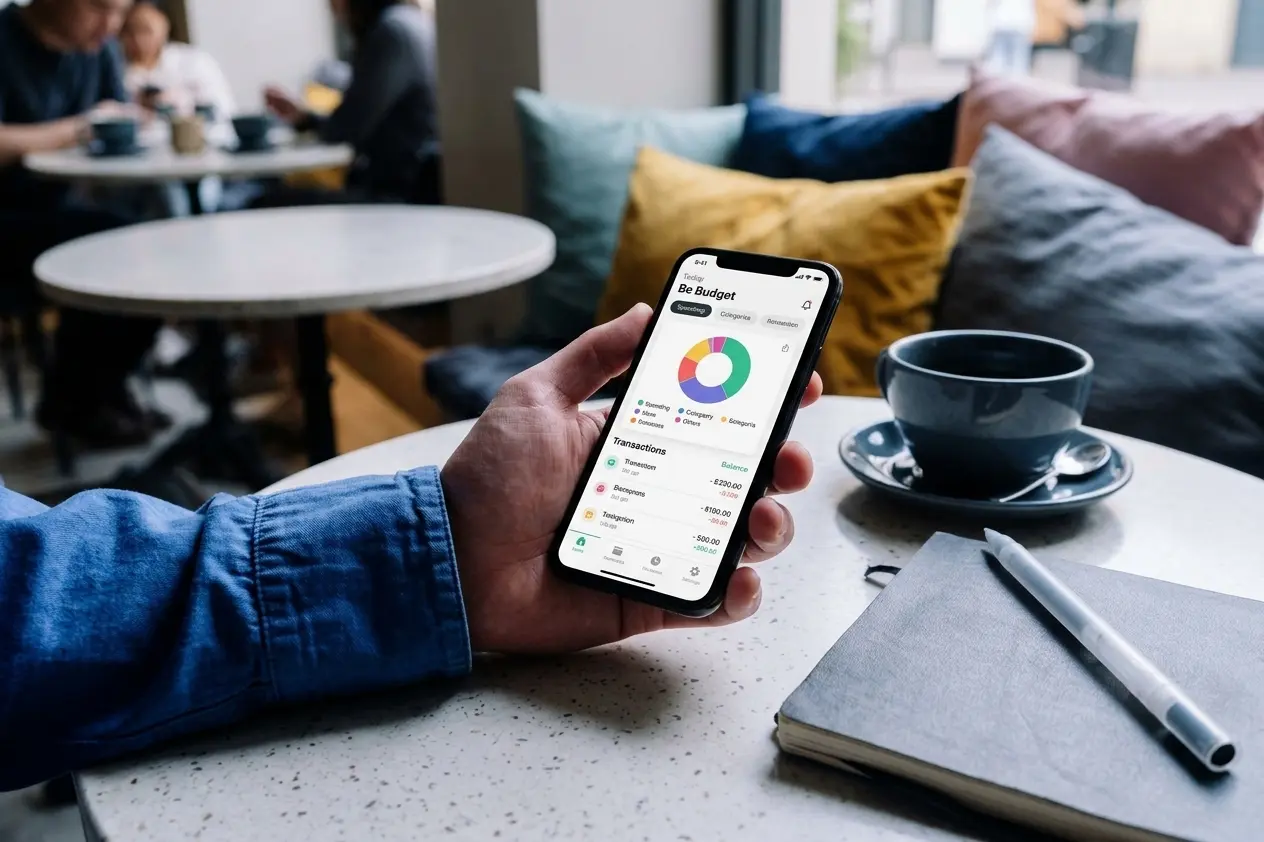
- Be Budget Today: a manual tracking app with no bank connection and no ads. You can create categories with their own color and icon, see each month's balance and get yearly statistics with your best and worst months. Premium adds recurring transactions for fixed costs, unlimited categories and savings goals. It's designed for personal use, so in a shared household it works best if one person keeps the books. Available on the App Store and Google Play.
- Money Manager: very complete if you want to manage several accounts at once (cash, card, savings) and see detailed reports. The free version includes ads.
- Monefy: the quickest to get started, with one screen of categories and two buttons. The free version shows ads and is limited to one account.
- A spreadsheet: if you want full control and don't mind spending time on it, it's still a valid option. The envelope budgeting method works very well with one.
Whatever tool you choose, the method is what makes the difference. To learn how to keep the habit going, the article on how to track personal expenses effectively covers the most common mistakes and how to avoid them.
Conclusion
Running a home budget doesn't require being a finance expert or spending hours on it. With clear categories, fixed costs set as recurring and room for yearly expenses, the rest is logging each expense right away and reviewing the month when it closes.
A simple app makes it much easier because it's always in your pocket. Start today, without trying to cut anything the first month: in four weeks you'll know exactly how your household's finances work and where you have room to improve them.