Picking an app to track your spending sounds easy until you open the app store and find hundreds of them. Almost all of them promise the same thing: show you where your money goes. The difference is in the details the listing doesn't tell you: what the free version really includes, whether it fills your screen with ads, whether it asks for access to your bank and how much it costs once you want more.
We compared six of the most popular expense trackers. Right below you'll find a table to see them at a glance and, after that, a profile of each one with the best, the worst and who it's really for.
Quick comparison: which app to choose
Prices are approximate for the US in 2026. They change with the store and with promotions, so check them before you pay.
| App | Free version | Ads | Bank sync | Best for |
|---|---|---|---|---|
| Be Budget Today | Yes, unlimited entries | No, on any plan | No | Simplicity and privacy |
| Monefy | Yes, 1 account | Yes, in the free version | No | Logging really fast |
| Money Manager | Yes, almost complete | Yes, in the free version | No | Detailed reports |
| Wallet | Yes, basic | No | Yes, paid | Seeing all your banks |
| Spendee | Yes, 1 wallet | No | Yes, paid | Shared expenses |
| YNAB | No, 34-day trial | No | Yes, included | Hands-on budgeting |
How we chose the apps
An expense tracker only works if you're still using it three months from now. That's why we didn't reward the app with the most features, but the one that best balances these five criteria:
- Speed: logging an expense should take seconds, as two-click expense tracking suggests.
- A useful free version: one that really works, not a demo with everything locked.
- Ads: the fewer interruptions, the easier it is to keep the habit.
- Privacy: whether it asks for access to your bank and what it does with your data.
- Price: what the premium plan costs per year and what it unlocks.
Be Budget Today: the best value for money
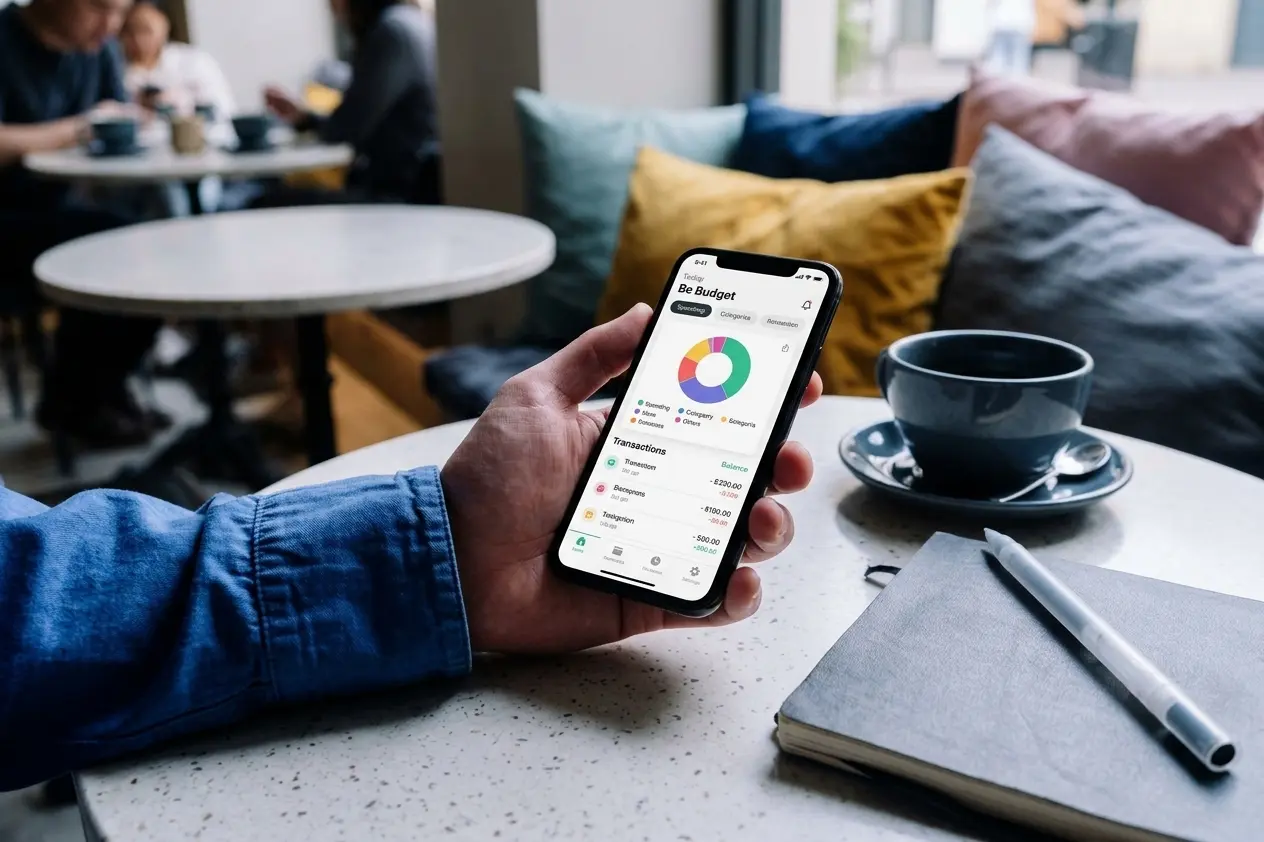
Be Budget Today is a manual tracking app built so that keeping track of your spending takes seconds. It doesn't connect to your bank and shows no ads on any plan. The free version includes unlimited entries, 5 expense categories, 1 savings goal, 3 recurring transactions and yearly statistics.
Price: free, or Premium for $ 1.99/month or $ 12.99/year (46% less on the yearly plan)
Platforms: iOS and Android, in 6 languages
| The best | The worst |
|---|---|
| No ads, not even in the free version | A young app with a shorter track record |
| Dark mode and yearly stats for free | Category and goal limits on the free plan |
| Your data is saved to your account and exportable | No shared mode for couples |
Choose it if: you want a simple app with no ads and no access to your bank, paying little or nothing. It's on the App Store and Google Play.
Monefy: the fastest way to log expenses
Monefy is one of the most downloaded expense trackers in the world. Its home screen is a pie chart surrounded by categories: you tap one, type the amount and you're done. The free version works with a single account and a single currency.
Price: free with ads, or a paid Pro version (the price varies by store and country) · Platforms: iOS and Android
| The best | The worst |
|---|---|
| Logging an expense takes two seconds | Ads in the free version |
| Very visual pie chart | Multiple accounts and cloud backup are Pro only |
| Works offline | Basic reports and a dated design |
Choose it if: all you want is to log quickly and see your spending by category, and ads don't bother you or you'll pay for Pro.
Money Manager: the most complete
Money Manager, by Realbyte, is the favorite of people who want everything under control: accounts, cards, budgets by category and detailed reports. It uses double-entry bookkeeping, like a business does, without you having to understand it.
Price: free with ads, or a one-time payment of about $6 to remove them · Platforms: iOS and Android, with a desktop manager
| The best | The worst |
|---|---|
| Accounts, cards and budgets | Too many options if you want something simple |
| Weekly, monthly and yearly reports | Functional but cluttered design |
| One-time payment, no subscription | Ads in the free version |
Choose it if: you like numbers, juggle several accounts and cards and want full reports without paying for a subscription.
Wallet by BudgetBakers: the best with bank sync
Wallet is a very complete app for seeing all your finances in one place. It combines manual entry with automatic connections to thousands of banks, which is the most convenient option if you don't want to log anything.
Price: free, or Premium for about $20-35 a year depending on the plan · Platforms: iOS, Android and web
| The best | The worst |
|---|---|
| Bank transactions show up on their own | Bank sync is a paid feature |
| Multiple accounts, currencies and budgets | Interface with a learning curve |
| Web version for your computer | Automatic categories often get it wrong |
Choose it if: you want your expenses to log themselves and you don't mind giving read-only access to your bank. First, read what connecting your bank to an app really means.
Spendee: the best for shared expenses
Spendee stands out for its polished design and, above all, its shared wallets: you can run a joint budget with your partner or roommates and see everyone's spending in real time.
Price: free, or Plus and Premium plans with a yearly discount · Platforms: iOS and Android
| The best | The worst |
|---|---|
| Wallets shared with other people | Three plans that get confusing |
| Very polished design | Shared wallets are a paid feature |
| Multiple currencies, handy for travel | Bank sync only works with some banks |
Choose it if: you want to track joint expenses with someone else and you're willing to pay for a plan to do it.
YNAB: the best for hands-on budgeting
YNAB (You Need A Budget) is more than an expense tracker: it's a method. It asks you to give every dollar a job before you spend it, and it imports transactions automatically from US banks. Its fans swear by it; its critics find it expensive.
Price: $14.99/month or $109/year, with a 34-day free trial · Platforms: iOS, Android and web
| The best | The worst |
|---|---|
| A proven budgeting method | No free version |
| Automatic bank import included | One of the most expensive apps |
| Great guides and workshops | Steep learning curve at first |
Choose it if: you want to change the way you budget, not just track spending, and the price doesn't scare you off.
How to choose your app in 3 questions
There's no best app for everyone, but there is a best app for you. Answer these three questions in order:
- Do you want to give access to your bank? If the answer is yes and you want zero effort, look at Wallet or YNAB. If you'd rather nobody else saw your transactions, stick with a manual tracking app.
- Are you going to pay anything? If not, look for a free version you can really use, without aggressive ads. If you are, compare the yearly price, not the monthly one: the difference is usually 30-40%.
- How much detail do you need? To know how much you spend each month and on what, a simple app is enough. If you juggle several accounts, cards and budgets, a more complete one like Money Manager will pay off.
Whichever one you choose, it helps to start with a clear goal. The 50/30/20 calculator tells you how much to put toward needs, wants and savings, and the financial health test shows you where to start.
Frequently asked questions
What's the best free expense tracker app?
It depends on what you can live with. If you don't want ads, Be Budget Today is free with no advertising. If ads don't bother you, Money Manager offers almost all of its features for free. If you want everything automatic, you'll have to pay: in the US, bank sync is almost always a paid feature.
Is Monefy free?
Yes, Monefy has a free version with ads that lets you track expenses in a single account. Multiple accounts, multiple currencies, cloud backup and removing ads require the paid Pro version.
What's the best Monefy alternative?
If you like Monefy's speed but not its ads, Be Budget Today is just as quick to use and has no ads, even for free. If you want more reports and several accounts, Money Manager is the most complete option without a subscription.
Is it safe to connect my bank to an expense tracker?
It's reasonably safe with a reputable app. In the US, most apps connect through aggregators such as Plaid, and more and more banks let you approve the connection on their own site, so the app never sees your password and only has read-only access. What it does mean is that another company keeps your history. We explain it in depth in the article on personal finance apps without bank sync.
Which expense tracker has no ads?
Be Budget Today has no ads on any plan. Wallet, Spendee and YNAB don't show ads either, although the first two limit their free versions quite a bit and YNAB has no free version at all. You'll find more options in the best budget apps with no ads.
Are there differences between iPhone and Android?
All six apps on this list are available on both. If you want a selection made for your phone, check out the best personal finance apps for iPhone or the best personal finance apps for Android.
Conclusion
The best expense tracker is the one you keep opening every day. Monefy wins on speed, Money Manager on detail, Wallet on automation, Spendee on shared expenses and YNAB on budgeting method. If you're looking for the balance between simplicity, privacy and price, Be Budget Today is the most well-rounded option of 2026: no ads, no access to your bank and a Premium plan for just $ 1.99 a month.
Whatever you choose, the app is only the tool. The habit is what makes the difference, and the guide on how to track personal expenses effectively gives you the keys to stick with it past the first month.
Try Be Budget Today for free
No ads, no access to your bank and in your language. Start with the free version and upgrade to Premium only if you need it.